
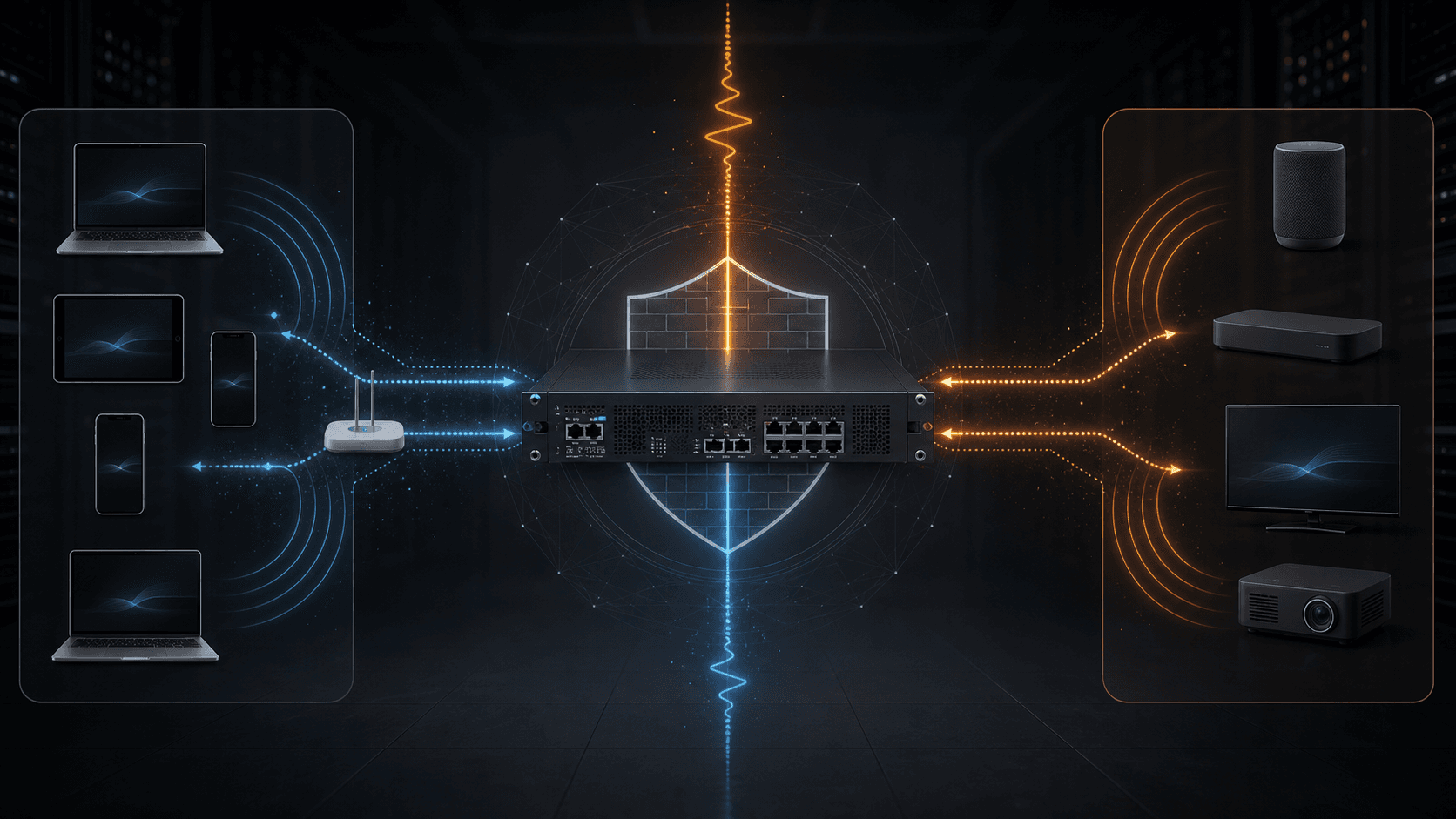
SERVER PLUS INSIGHTS
FortiGate Cross-VLAN AirPlay and mDNS Configuration
AirPlay across trusted and IoT VLANs needs both Bonjour discovery and the required playback and time-sync traffic. Discovery alone can show a device while playback still fails.
2026-07-11 · Server Plus
AirPlay across trusted and IoT VLANs needs both Bonjour discovery and the required playback and time-sync traffic. Discovery alone can show a device while playback still fails.
Why cross-VLAN AirPlay fails
AirPlay discovery relies on mDNS/Bonjour multicast, while playback and synchronization use separate TCP and UDP flows. VLAN segmentation blocks these flows unless forwarding and policies are designed explicitly.
FortiGate approach
Enable multicast forwarding with TTL preservation where appropriate, define the Bonjour multicast group, create bidirectional multicast policies for UDP 5353, and allow only the AirPlay services required from the trusted network to the IoT VLAN.
Keep the return policy narrow
Do not allow unrestricted IoT-to-trusted access. Permit only the required AirPlay 2 PTP time synchronization UDP 319/320 return traffic and retain the rest of the IoT boundary.
- Trusted to IoT: AirPlay service set
- IoT to trusted: UDP 319/320 only
- mDNS: UDP 5353 multicast policy both directions
- NAT disabled for internal policy
Troubleshooting
Sniff UDP 5353 to confirm multicast forwarding. If the device is visible but audio fails, check AirPlay service ports and especially the PTP return policy.
FAQ
Why is the speaker visible but silent?
mDNS discovery can be working while the playback or AirPlay 2 PTP time-sync flow is still blocked by policy.
Should IoT be allowed to access the trusted VLAN freely?
No. Keep the return policy limited to the specific protocol and ports required for AirPlay operation.