
SERVER PLUS INSIGHTS
What Is My IP? MyIP Updates Its IP and Risk Databases
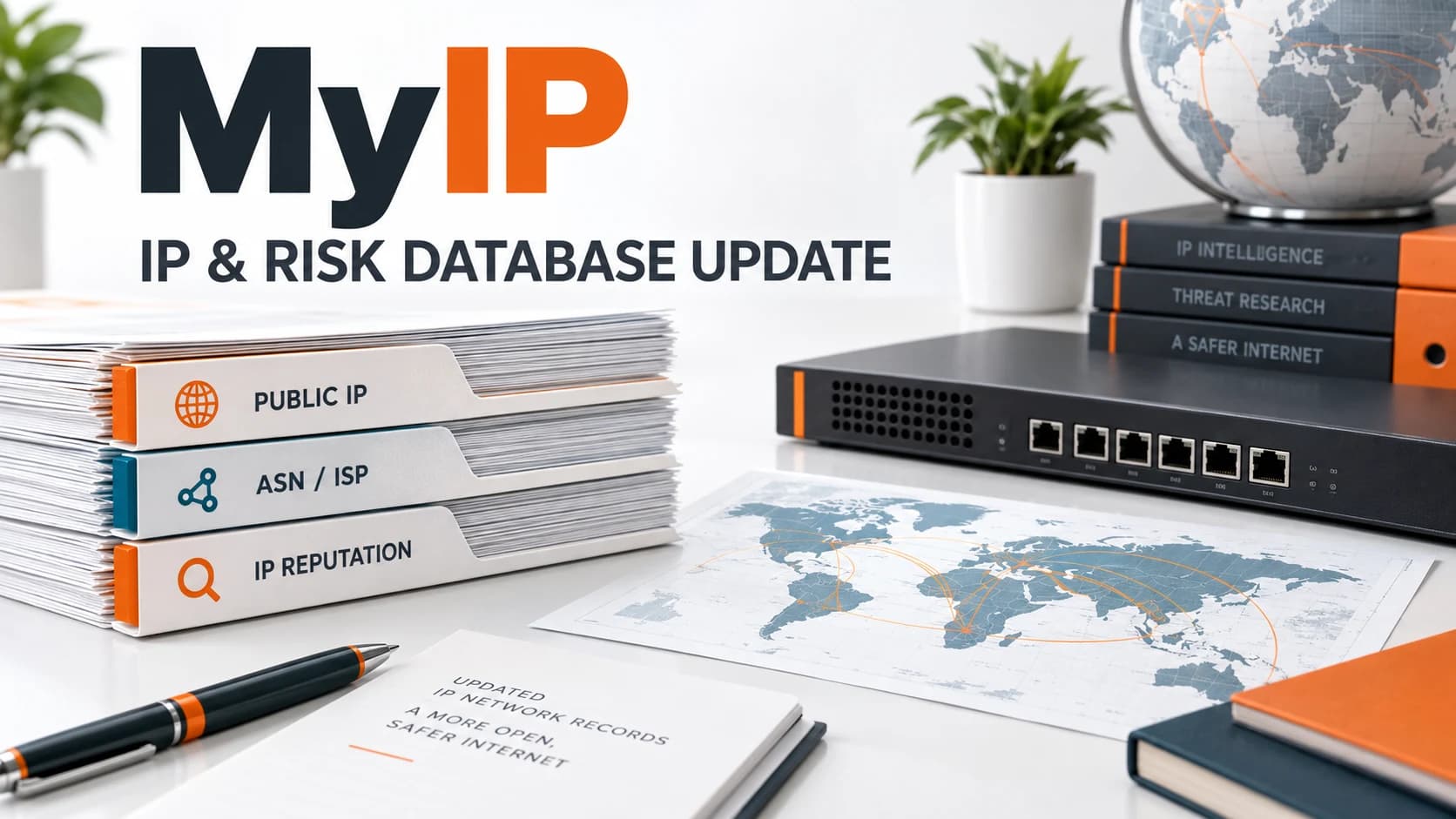
Server Plus MyIP has updated its IP and risk databases. Whether you need to answer “What is my IP?”, verify a business network connection or make an initial assessment of a source IP, this free tool provides a starting point. The update concerns lookup data: it does not change your IP or require you to reconfigure your network.
2026-09-21 · Server Plus
Server Plus MyIP has updated its IP and risk databases. Look up your public IPv4 or IPv6, ASN, ISP and IP reputation for free, with specific-IP lookups and a JSON API for troubleshooting and initial investigation.
MYIP TOOL
What is my IP? Open the free MyIP tool
Check your public IP, ASN / ISP and available IP risk information. Refer to the tool for the data snapshot and precision.
How Do I Check My IP? Open MyIP
Open Server Plus MyIP to see the public IP used by this connection, then check its ASN, ISP and region. This address is not necessarily the private IP used by your computer or phone on its local network. With a VPN, proxy or centralized corporate egress, the website may see that exit point's public address.
- Check my IP: open the tool and confirm the IPv4 or IPv6 address currently displayed.
- Verify network details: review the ASN, ISP and organization to help identify the network exit in use.
- Look up a specific IP: enter another IPv4 or IPv6 address to view the public information available for it.
This Update: IP and Risk Databases
IP ranges can be reassigned, and network provider and organization information can change. Risk data may also change with reports and database snapshots. IP lookups therefore require attention to the time and scope of the data as well as the result.
MyIP has updated both databases to provide refreshed lookup data. Available fields vary by IP and source. Refer to the tool for the current risk snapshot date and record count; the publication date of this announcement is not the database snapshot date.
- IP database: supports lookups of network ownership, ASN / ISP and available geographical information.
- Risk database: supports checks of IP risk attributes, report-related information and list snapshots.
IP Risk Checks: Investigate Reports; No Reports Does Not Mean Safe
Assess IP reputation using the risk level, available report information and snapshot together. A risk record can guide further investigation, but does not establish that every user of an IP is an attacker. Shared egress and address reassignment can affect interpretation.
Likewise, “No reports” means that the current data does not show a corresponding record; it is not a security clearance. Records for other IPs in the same ASN cannot simply be attributed to the IP being checked. Investigate unusual logins or suspicious traffic alongside service logs, event times and actual behavior.
When Is a MyIP Lookup Useful?
From checking your own IP to maintaining an enterprise network, verifying the public address and network ownership can help narrow an investigation. MyIP is an initial lookup tool, not a replacement for a firewall, monitoring or vulnerability scanning.
- Firewall and cloud allowlists: confirm the public source IP to give your administrator.
- VPN troubleshooting: compare public IPs before and after connecting; actual egress depends on VPN and routing settings.
- Office and multi-circuit networks: identify the exit used by this browser connection to help verify NAT or circuit failover.
- Initial source investigation: look up a specific IP's network and risk information, then cross-check service logs.
Use the JSON API Alongside Browser Lookups
Operations teams can retrieve the current egress IP or JSON data from the command line for their checks. These commands only retrieve lookup data and do not change network settings. The address 8.8.8.8 demonstrates a specific-IP lookup; it is not an indication of risk.
curl https://myip.serverplus.tw/ip
curl https://myip.serverplus.tw/json
curl https://myip.serverplus.tw/8.8.8.8
Server Plus Continues to Maintain the Free MyIP Tool
Provided by Server Plus, MyIP gives individuals and enterprise IT teams quick access to public IP and network context. This database update continues its operational purpose: obtain information you can verify, then use it for troubleshooting and risk assessment. Use the MyIP link in this article to check your own IP or a specified address.
FAQ
What is my IP? Do I need to install software?
No installation is required. Open Server Plus MyIP to see the public IPv4 or IPv6 used by this connection. The result depends on your current connection and egress settings.
Does the MyIP database update change my IP?
No. It refreshes the lookup data, not your network settings or IP assignment. Public-IP changes still depend on your ISP, VPN, NAT or circuit settings.
Can an IP location lookup identify an exact address?
IP geography should not be treated as a user's exact address. MyIP regions and representative coordinates depend on the data source and network type. Interpret them using the precision shown in the tool.
Does an IP risk result of “No reports” guarantee safety?
No. An absence of reports is not a security certification, and a risk record is not proof of malicious intent. Assess the data timestamp, service logs and actual behavior together.