
SERVER PLUS INSIGHTS
Enterprise On-Premises AI on HPE DL380 Gen10: Qwen3.8-Flash-Next with One RTX A6000
Refurbished servers can provide a foundation for enterprise on-premises AI. Server Plus shares a large MoE deployment using a DL380 Gen10, one RTX A6000 48GB and Strata, from hardware configuration to application integration.
2026-11-10 · Server Plus
Server Plus deploys Strata and Qwen3.8-Flash-Next on a refurbished HPE DL380 Gen10 with an RTX A6000 48GB and 128GB RAM, covering configuration, inference performance and enterprise AI applications.
Deployment overview
Refurbished enterprise servers can provide a foundation for on-premises AI inference, allowing businesses to allocate computing resources according to workload and budget.
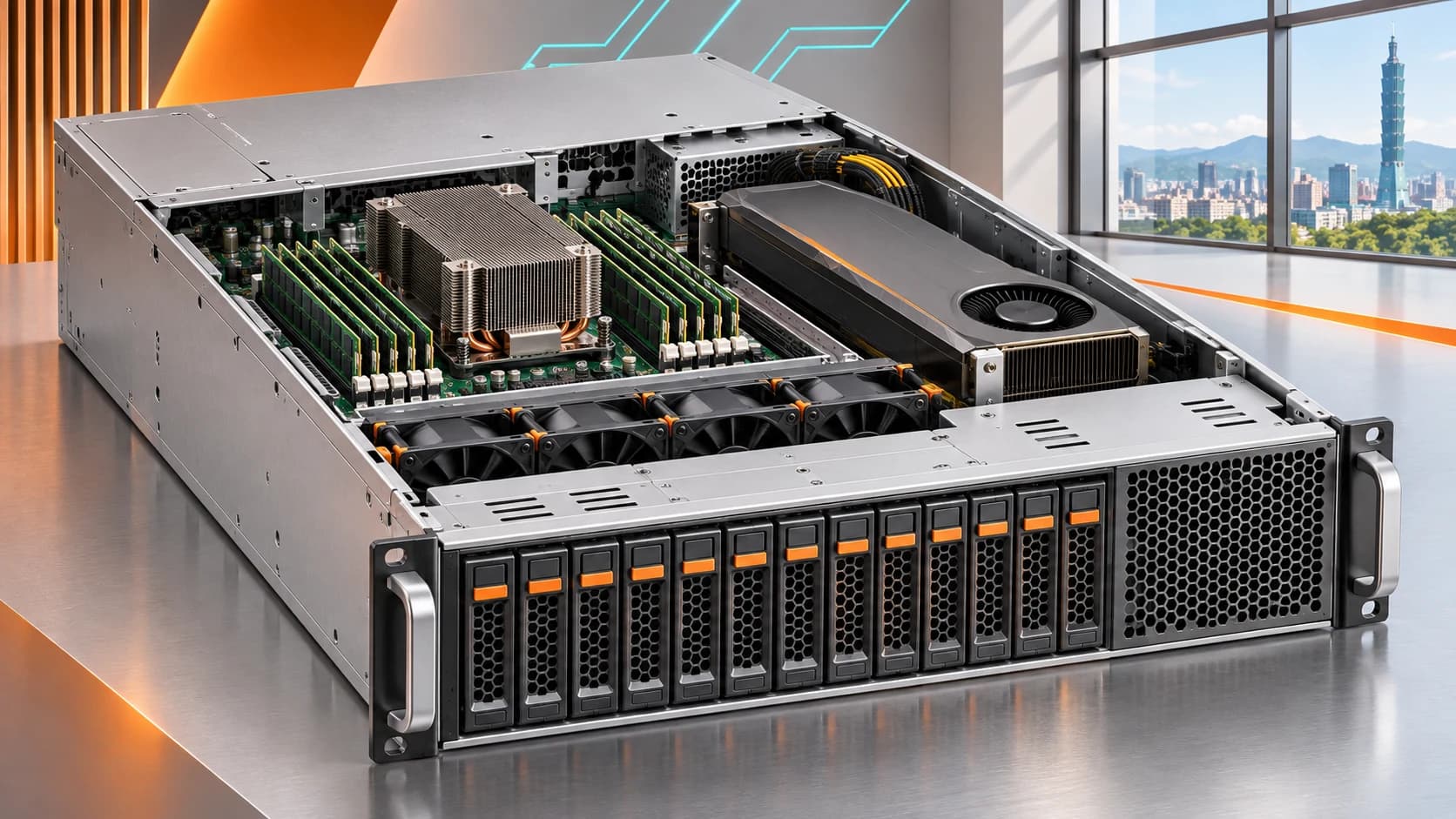
In this deployment, Server Plus used a refurbished HPE ProLiant DL380 Gen10 with one NVIDIA RTX A6000 48GB and 128GB of system memory to run Qwen3.8-Flash-Next through the Strata inference engine, exploring a practical route to on-premises AI within an existing budget.
The deployment recorded approximately 95–120 tokens/s of text generation under the test conditions. Compatible APIs provide access for internal applications and development tools, establishing an on-premises inference service for application integration.
Deployment configuration
| Item | Configuration |
|---|---|
| Server | HPE ProLiant DL380 Gen10 |
| GPU | NVIDIA RTX A6000 48GB × 1 |
| System memory | 128GB RAM |
| Operating system | Ubuntu 24.04 |
| NVIDIA driver | 580 series |
| Inference engine | Strata |
| Model | Qwen3.8-Flash-Next, GSQ-RCO IQ3_S quantization |
| Observed text generation | Approximately 95–120 tokens/s, including speculative decoding |
These speeds describe output under the recorded test conditions. Prompt length, context, concurrent users and inference settings affect response speed; this is not a capacity guarantee for a multi-user service.
Model deployment architecture with one 48GB GPU
Qwen3.8-Flash-Next uses a mixture-of-experts architecture (MoE). The official description lists 125B parameters in the model body with approximately 6B activated, plus n-gram embedding and MTP modules. Thus, 125B is not the sum of every weight component, and each token does not require computing every parameter. Official Qwen model description
The IQ3_S files total approximately 83.6GB and execute using combined GPU and system memory resources; the complete weights do not reside entirely in 48GB of VRAM. The quantization publisher reports results close to the BF16 baseline on the listed evaluations, providing a practical quality-capacity balance. Output quality still requires independent validation for each application. ISTA-DASLab quantization details
Strata provides local inference and OpenAI- and Anthropic-compatible APIs, so the model can serve other software as well as chat applications. Strata project
DL380 Gen10 system configuration considerations
This case evaluates computing resources at the system level, incorporating GPU, system memory, storage and cooling into the configuration.
When inference involves system memory and storage access, memory configuration, GPU placement, data paths and cooling affect performance. A refurbished DL380 Gen10 allows businesses to prioritize spending on GPU, memory and storage resources appropriate to the workload.
GPU deployment requires verification of risers, power cables, PSU capacity, cooling and firmware compatibility, followed by load validation of the complete system.
From internal assistants to enterprise integrations
Once local inference is available, businesses can develop applications according to their needs:
- Document organization and summaries: process internal reports, technical documents and work records.
- Development assistance: generate code explanations, draft tests and debugging suggestions.
- Enterprise knowledge bases: combine document retrieval, source citations and access controls for internal question answering.
- Workflow automation: connect existing systems through APIs for text classification, information extraction and drafting.
These applications can share the local model service; knowledge bases, user permissions and business processes require application-layer integration according to their respective requirements.
AI deployment and data-flow management
On-premises AI allows a business to decide where the model runs, how the service is accessed and which data it may use.
When inference and related applications stay inside the internal environment, prompts and documents do not need to be sent to an external model service for each request. If web search or third-party tools are added, manage those data transfers according to the actual workflow.
Before opening the service to internal users, plan API authentication, network restrictions, logging policies and resource monitoring so a single-machine experiment becomes a manageable enterprise service.
Enterprise on-premises AI adoption and expansion planning
This case demonstrates the use of a refurbished DL380 Gen10 as an on-premises AI inference platform.
Businesses can adopt a phased approach, first validating answer quality, response speed and usage requirements with actual workloads, then planning capacity and expansion schedules to inform budget allocation.
Server Plus assesses existing equipment upgrades and on-premises AI environments based on the integration requirements of servers, GPUs, memory, storage and software, helping businesses plan configurations that match their workloads and budgets.
For on-premises AI or GPU server requirements, share your intended model, applications and concurrent user count with Server Plus. See the Strata installation and technical guide for the complete procedure.
FAQ
What configuration does this deployment use?
An HPE ProLiant DL380 Gen10 with one NVIDIA RTX A6000 48GB, 128GB system RAM and Ubuntu 24.04, running the IQ3_S quantization of Qwen3.8-Flash-Next through Strata.
Does the complete model fit in 48GB VRAM?
No. The IQ3_S model is approximately 83.6GB. This deployment combines GPU memory, system RAM and storage rather than relying solely on GPU capacity.
Does 95–120 tokens/s apply to every workload?
This observation comes from the deployment notes and includes speculative decoding. Prompts, context length, concurrency and settings affect speed. Enterprises should validate capacity with their actual workloads.