
SERVER PLUS INSIGHTS
HPE DL380 Gen10 On-Premises AI Installation Guide: Deploy Qwen3.8-Flash-Next with Strata
Based on the DL380 Gen10 deployment configuration, this guide covers Strata installation, model downloads, 256K context settings, internal enterprise API validation and development-tool integration.
2026-11-10 · Server Plus
Complete Strata guide for DL380 Gen10 and RTX A6000 48GB: SC117 GGUF shards, 256K startup, APIs, and integrations with Cherry Studio and OpenCode.
Deployment overview
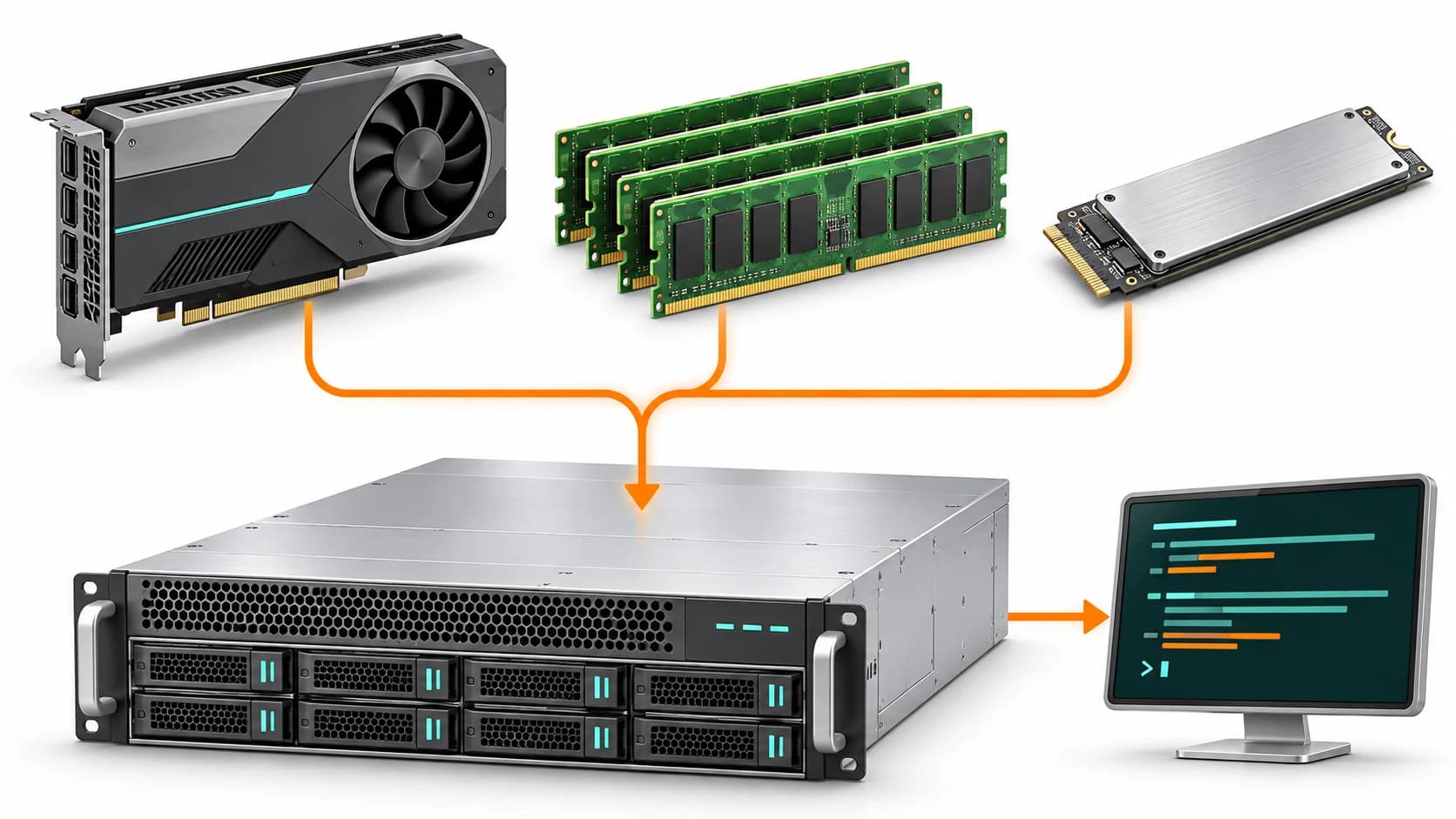
This guide describes the deployment of a large MoE inference service on an HPE ProLiant DL380 Gen10 with one NVIDIA RTX A6000 48GB and 128GB of system memory, including API integration for clients and development tools.
The procedure covers installation of the Strata inference engine, downloading Qwen3.8-Flash-Next GGUF shards, starting a 256K-context service, API validation, and configuration of Cherry Studio and OpenCode integrations.
The deployment recorded approximately 95–120 tokens/s of text output with speculative decoding. These figures apply to the tested environment and workload; actual performance depends on prompts, context length and concurrent requests.
1. Model, inference engine and quantization
Qwen3.8-Flash-Next
Qwen3.8-Flash-Next is an open-weight model using MoE and hybrid attention. Its official card describes a 125B-parameter language-model body with about 6B activated, plus approximately 51B in n-gram embeddings and 4B in MTP.
The commonly quoted 125B therefore describes the model body, not every weight component combined. It has 512 routed experts and activates 10 routed experts plus one shared expert per token. Native context length is 262,144 tokens. Official Qwen model card
Strata
Strata is an open-source local inference tool with MIT-licensed code. It combines the GPU, system RAM and, where applicable, SSD access, and provides OpenAI- and Anthropic-compatible APIs.
This configuration combines GPU memory, system RAM and storage; the complete weights do not reside entirely in 48GB of VRAM. System RAM, model storage and data-transfer paths affect inference performance. Strata supports speculative decoding with an MTP draft layer, whose acceleration should be evaluated against the intended workload. Strata technical reference
GSQ-RCO quantization
This deployment uses GSQ-RCO IQ3_S, with model shards totaling approximately 83.6GB. The publisher's AIME25, GPQA-Diamond and LiveCodeBench v6 evaluations show IQ3_S performing close to the BF16 baseline overall.
These results illustrate the capacity-quality balance of IQ3_S in the published evaluations; output quality should be validated separately for each application. ISTA-DASLab publishes this quantization, while the Qwen team provides the original model. GSQ-RCO model details
2. Hardware and system environment
| Item | Deployment configuration |
|---|---|
| Server | HPE ProLiant DL380 Gen10 |
| GPU | NVIDIA RTX A6000 48GB × 1 |
| System memory | 128GB RAM |
| Operating system | Ubuntu 24.04 |
| NVIDIA driver | 580 series with the CUDA 13 engine |
| Model | Qwen3.8-Flash-Next GSQ-RCO IQ3_S |
| Service port | TCP 11434 |
| Context setting | 256K |
The published configuration is limited to the items in the table; the deployment record does not specify the CPU model or detailed storage configuration.
Pre-installation checks
Confirm that the system detects the GPU, inspect VRAM use and check available space at the model location:
nvidia-smi
free -h
df -h "$HOME"
The CUDA version shown by nvidia-smi describes driver capability, not necessarily the installed CUDA Toolkit version.
The model files occupy approximately 84GB, with additional space required for the inference engine, draft layer and packs. Reserve at least 120GB of available storage, increasing this allocation when retaining download caches, multiple quantizations or converted files.
For a DL380 Gen10 GPU configuration, verify risers, power cables, PSU capacity and cooling. Strata itself can be installed in the user's home directory without root; GPU drivers, system packages and service configuration may still require administrator access.
3. Choose the model files
This guide provides two model deployment methods: automatic download of the ISTA-DASLab quantization through Strata, or manual download of SC117's abliterated derivative.
| Source | Contents | Deployment |
|---|---|---|
ISTA-DASLab/Qwen3.8-Flash-Next-GSQ-RCO-GGUF | GSQ-RCO quantizations: Q2_0, IQ2_XS, IQ3_XXS and IQ3_S | Select and download through Strata |
SC117/Qwen3.8-Flash-Next-GSQ-RCO-abliterated-GGUF | Community derivative with modified refusal behavior | Download exact shard names and start from a local path |
The manual deployment uses the SC117 derivative, whose refusal behavior differs from the original model. Enterprise adoption requires independent validation of output quality and suitability using application-specific data; the original model's evaluation results do not directly apply to this derivative. SC117 model description
Quantization sizes
| Quantization | Combined model shards |
|---|---|
| Q2_0 | Approximately 66.4GB |
| IQ2_XS | Approximately 68.0GB |
| IQ3_XXS | Approximately 75.8GB |
| IQ3_S | Approximately 83.6GB |
The table lists download sizes, not minimum VRAM requirements. Resource planning must account for context length, concurrent requests, the vision reader and engine overhead, as well as the allocation of GPU memory and system RAM. This RTX A6000 48GB and 128GB RAM configuration uses IQ3_S. Size data
4. Install Strata
Run these commands in the DL380 Gen10 Linux terminal. Download and inspect the script before executing it:
curl -fsSL https://github.com/Niko1221/Strata/releases/latest/download/install.sh -o install.sh
less install.sh
sh install.sh
export PATH="$HOME/.local/bin:$PATH"
strata --version
The installation directory is ~/.local/share/strata, with the command available at ~/.local/bin/strata. Add the PATH setting to the user's shell startup file to retain the command path across login sessions.
latest follows upstream releases. Save the strata --version output and engine version for reproducibility. Installation documentation
This deployment pairs the NVIDIA 580-series driver with the CUDA 13 engine. For other driver versions, verify compatibility against the engine package's minimum driver requirements before selecting a package.
5. Download the model
5.1 ISTA-DASLab: download through Strata
For the standard quantization, use:
strata launch --family qwen --model iq3_s \
  --access lan --port 11434 --context 256k \
  --save-preset qwen
The launcher downloads the assets required by the selected model and features.
Select either this method or the manual deployment below. Only one service on the same host should listen on TCP port 11434.
5.2 SC117 derivative: download both shards manually
The model path in this deployment uses SC117 IQ3_S shards. On Ubuntu 24.04, use a Python virtual environment for the Hugging Face tools rather than modifying system Python packages:
python3 -m venv "$HOME/.venvs/strata-download"
source "$HOME/.venvs/strata-download/bin/activate"
python -m pip install -U "huggingface_hub[hf_xet]"
mkdir -p "$HOME/strata-models"
cd "$HOME/strata-models"

hf download SC117/Qwen3.8-Flash-Next-GSQ-RCO-abliterated-GGUF \
  IQ3_S/Qwen3.8-Flash-Next-GSQ-RCO-abliterated-IQ3_S-00001-of-00002.gguf \
  IQ3_S/Qwen3.8-Flash-Next-GSQ-RCO-abliterated-IQ3_S-00002-of-00002.gguf \
  mmproj-Qwen3.8-Flash-Next-BF16.gguf \
  --local-dir SC117-abliterated
If venv is unavailable, an administrator must install the appropriate python3-venv package. Keep both GGUF shards under the same IQ3_S directory with their original filenames. mmproj is the projection model for image input, not a substitute for the main model shards.
The command explicitly identifies both GGUF shards and the projection model by their complete paths. The Hugging Face CLI also supports include/exclude patterns configured according to the model repository's directory structure. Hugging Face CLI documentation
After downloading, inspect the model import plan:
strata models import \
  "$HOME/strata-models/SC117-abliterated/IQ3_S" --plan
Before startup, confirm recognition of both GGUF shards and the expected quantization. Detection messages may vary by version; verify the file count, quantization type and execution plan together.
6. Start the 256K-context service
6.1 Inspect the plan
strata launch \
  --model-path "$HOME/strata-models/SC117-abliterated/IQ3_S" \
  --access lan --port 11434 --context 256k \
  --no-tui --plan
Check the model path, engine, listening configuration and resource plan.
6.2 Start serving
Start the service with nohup, directing standard output and error messages to a log file:
nohup strata launch \
  --model-path "$HOME/strata-models/SC117-abliterated/IQ3_S" \
  --access lan --port 11434 --context 256k \
  --no-tui --save-preset SC117 \
  > "$HOME/strata-launch.log" 2>&1 &

tail -f "$HOME/strata-launch.log"
Initial pack and draft-layer preparation took approximately 5–10 minutes in this deployment, with subsequent loads taking about 75 seconds. Actual times depend on download speed, cache state, storage performance and software version.
After service readiness, validate the model list and API responses. Some Strata versions maintain the service in the background; confirm its state using the status command and API checks.
6.3 Management commands
strata launch --status
strata launch --show-key --preset SC117
strata launch --stop --preset SC117
strata launch --preset SC117 --no-tui
strata logs --follow
These commands provide status inspection, key retrieval, shutdown, restart and log monitoring. Execute each independently as required. Store API keys securely and exclude them from public documents, screenshots and version-control repositories.
6.4 Key options
| Option | Purpose |
|---|---|
--model-path | Select a downloaded local model directory |
--access local | Allow local-machine access only |
--access lan | Allow LAN access and generate an API key |
--access cloudflare / tailscale | Set up external connectivity through the selected method; requires its tools and configuration |
--context 256k | Use this deployment's context setting |
--mtp off | Disable the draft layer for resource/performance comparisons |
--port 11434 | Set the API port |
--save-preset SC117 | Save these launch settings |
This deployment uses a 256K context setting. Longer prompts increase processing time and memory requirements, so resources should be planned around input length and concurrent requests. Evaluate MTP performance by comparing enabled and disabled configurations with the same workload. Option documentation
7. Call the OpenAI-compatible API
The LAN API base URL is http://<server-IP>:11434/v1. The following validation uses localhost; connections from other hosts should use the server's internal network address.
Read the key in Bash without writing it directly into command history:
read -rsp 'Strata API key: ' STRATA_API_KEY
printf '\n'
export STRATA_API_KEY
export STRATA_BASE_URL=http://127.0.0.1:11434/v1

curl -fsS "$STRATA_BASE_URL/models" \
  -H "Authorization: Bearer $STRATA_API_KEY"
The model ID returned in this deployment was swift-1.5-iq3_s. For integration, set the request's model field to the ID returned by /v1/models.
curl -fsS "$STRATA_BASE_URL/chat/completions" \
  -H "Authorization: Bearer $STRATA_API_KEY" \
  -H "Content-Type: application/json" \
  -d '{
    "model": "swift-1.5-iq3_s",
    "messages": [
      {"role": "user", "content": "Describe enterprise on-premises AI in English."}
    ],
    "max_tokens": 1024,
    "chat_template_kwargs": {"enable_thinking": false}
  }'
Thinking mode and output budget
The model may generate reasoning first and return it in reasoning_content. An insufficient output budget can be exhausted during reasoning, leaving the final content empty.
For general conversation or tool preprocessing, thinking mode can initially be disabled. Applications requiring reasoning should enable it with sufficient output budget. Inspect error messages, finish reasons and token usage to verify response completeness.
This deployment also verified that tools/function calling returns tool_calls. The client is responsible for execution authorization, argument validation and result submission, with explicit control of operating-system permissions.
Strata also provides an Anthropic-compatible interface. Set the client's Anthropic base URL to the service root without appending /v1; inference remains handled by the locally deployed Qwen model. API and integration details
8. Connect chat and development tools
Cherry Studio
Add an OpenAI-compatible provider with http://<server-IP>:11434/v1, supply the Strata API key and add the model returned by /v1/models. Enable function calling when tool use is required.
Web search can retrieve results through external services such as Tavily, Exa or SearXNG for processing by the local model. When search-keyword extraction does not require additional reasoning, disable thinking mode with the following custom model parameter:
{
  "chat_template_kwargs": {
    "enable_thinking": false
  }
}
External search sends query content to the selected service. Plan data flows for local inference and external tools separately, managing outbound queries according to data classification and access policies.
OpenCode
Back up existing settings before running the following integration command:
strata connect opencode --writeInspect the generated ~/.config/opencode/opencode.json. When OpenCode and Strata run on different hosts, set baseURL to the server's internal API address and verify the model ID, API key and input/output limits. Retain the limit.input setting for this configuration.
First startup may download a provider plugin, so check outbound connectivity beforehand.
Claude Code
Use the following environment variables to connect to the Anthropic-compatible interface:
export ANTHROPIC_BASE_URL=http://127.0.0.1:11434
export ANTHROPIC_API_KEY="$STRATA_API_KEY"
For a remote host, replace localhost with the server address. For other tools, run strata connect to list supported integrations, then strata connect <tool-name> for that tool's configuration. Strata integration entry point
9. Performance observations and validation
The following performance was recorded in the DL380 Gen10 environment:
| Environment | Text generation | Prompt processing |
|---|---|---|
| RTX A6000 48GB + 128GB RAM | Approximately 95–120 tokens/s | Approximately 1,000–1,500 tokens/s |
The figures include speculative decoding. Output speed and prompt-processing speed are different metrics; neither equals the average speed of a complete request from submission to completion.
These figures are observations from this deployment, without standardized comparisons across hardware or inference engines. They provide a reference for evaluating this configuration.
For subsequent comparisons, record model and engine versions, actual launch arguments, CPU, GPU, RAM, storage, prompt/output lengths, thinking mode, MTP and concurrency. Use fixed prompts to measure time to first response, output speed and resource use before evaluating multi-user service suitability.